
Capture & Import
Manual Text Input
Rich formatting for writing or pasting text.
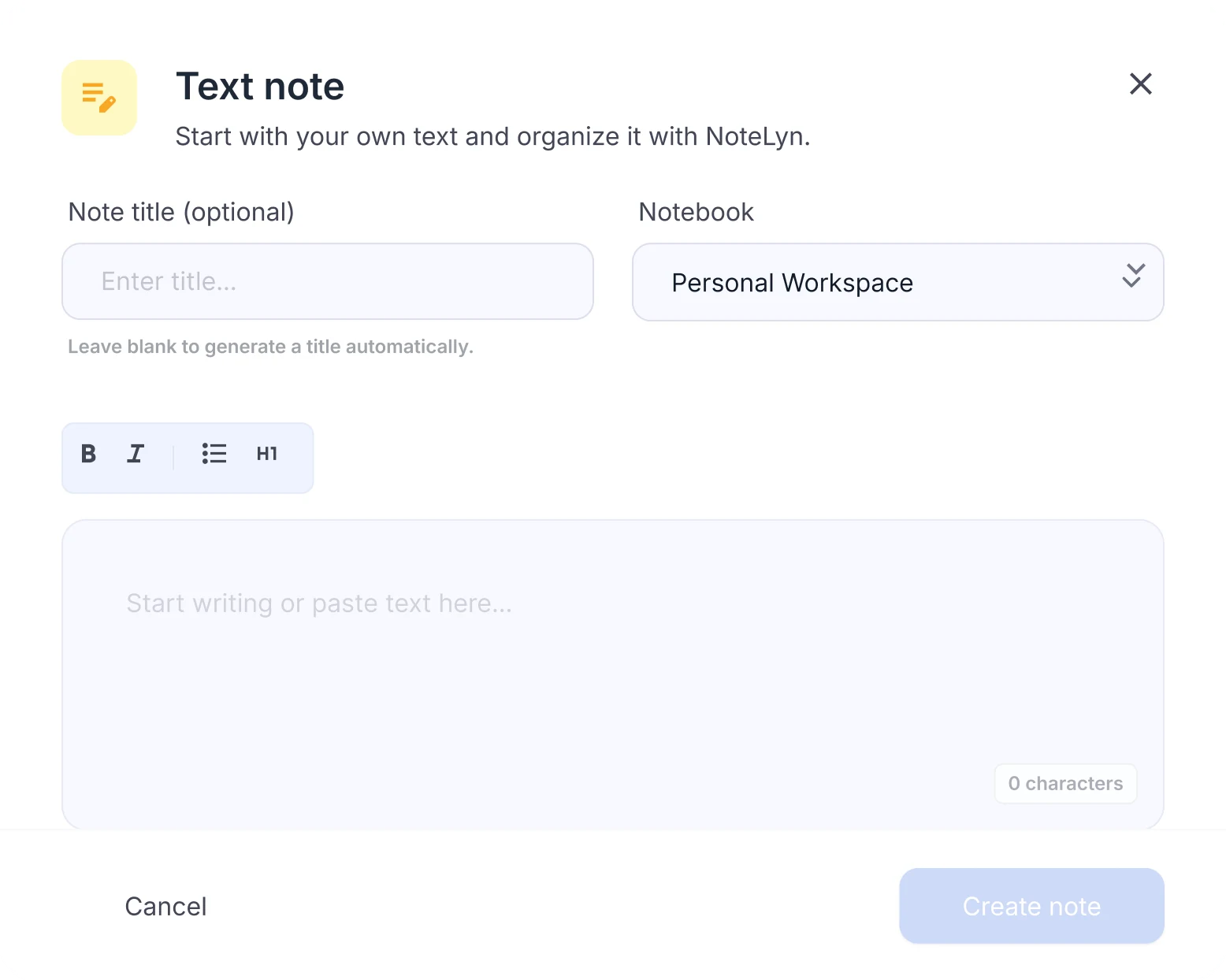
Text editing capabilities for AI note‑taking
- Headings, lists, tables
- Bold, quotes, links and code
- To‑do lists and indentation
When to use manual text input
Class notes and readings
Paste lecture notes or readings and turn them into flashcards and a quiz.
Meeting notes and quick minutes
Write meeting notes and get a clean summary to share.
Outlines for essays or reports
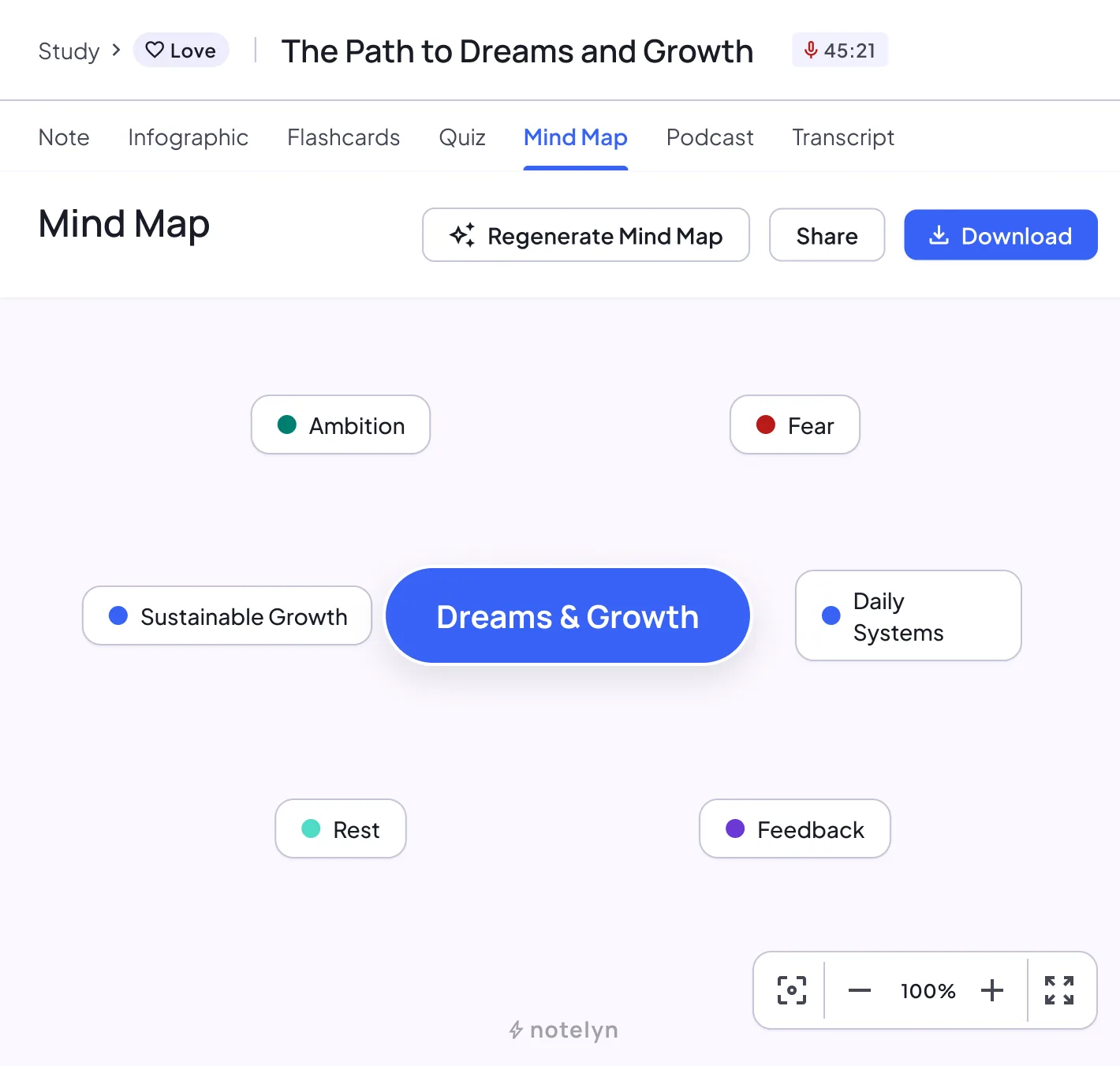
Draft an outline and see it as a mind map.
What you get from your own text
Your text stays as you wrote it, and the AI turns it into study material next to notes from your other sources.
AI note
A structured note with headings, key points and key takeaways. Regenerate it anytime.
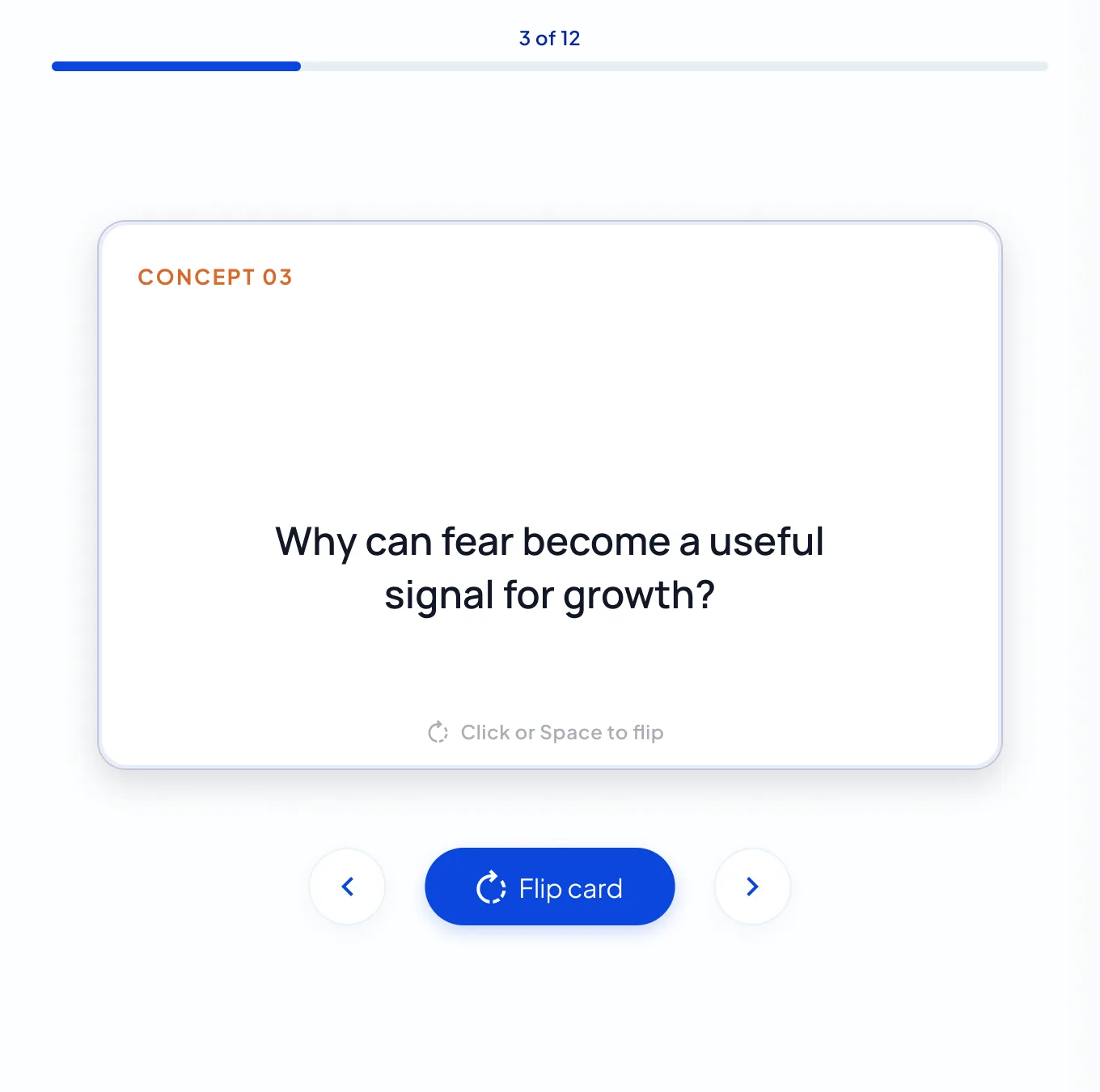
Flashcards
A deck built from the key concepts. Flip through it card by card, then restart.
Quiz
Multiple-choice questions with an explanation for every answer, a score and a full review.
Mind map
The structure of the note as a map you can zoom, pan and download.
Infographic
A one-page visual summary poster you can download or share.
Podcast
A two-host audio overview of the note, for revision on the go.
AI Chat
Ask follow-up questions and get answers based on your note.
How to write notes for better AI summaries
Create a note and choose Text
Choose Text note. Write, or paste from anywhere; basic formatting is kept.
Write with headings, lists and quotes
Structure it with headings, lists and bold. Add a title and pick a notebook.
Save and review the AI‑generated Summary later
Create the note, then generate a summary, flashcards, a quiz or a mind map from your own text.
Best practices for text notes
- Use headings to structure ideas for better summaries
- Use bold for key definitions and formulas
- File notes in notebooks to organize and search quickly
Notes & limits
- Creating a note needs an internet connection
- Pasted content keeps basic formatting; complex layout may simplify
Text input FAQ
Can I paste from Word/Docs?
Yes. Basic formatting is preserved; you can tidy it up in the editor.
Does autosave work offline?
Notes are saved when you tap Save while you're online. If you try to leave with unsaved changes, NoteLyn asks you first.
Can I turn pasted lecture notes into flashcards?
Yes. Paste them into a text note, create it, and generate flashcards and a quiz from the note.
Why write in NoteLyn instead of a regular editor?
Your text lives in the same notebooks as your recordings, PDFs and links, and you can turn it into flashcards, quizzes, a mind map or a podcast without copying it anywhere.
Is text input free?
Yes, you can start for free in your browser or in the mobile app. Some features need a subscription: podcasts, for example, are a Pro feature and use credits based on their length, charged only if generation succeeds.