
Note Workspace
Mind Map
Visualize knowledge and relationships.
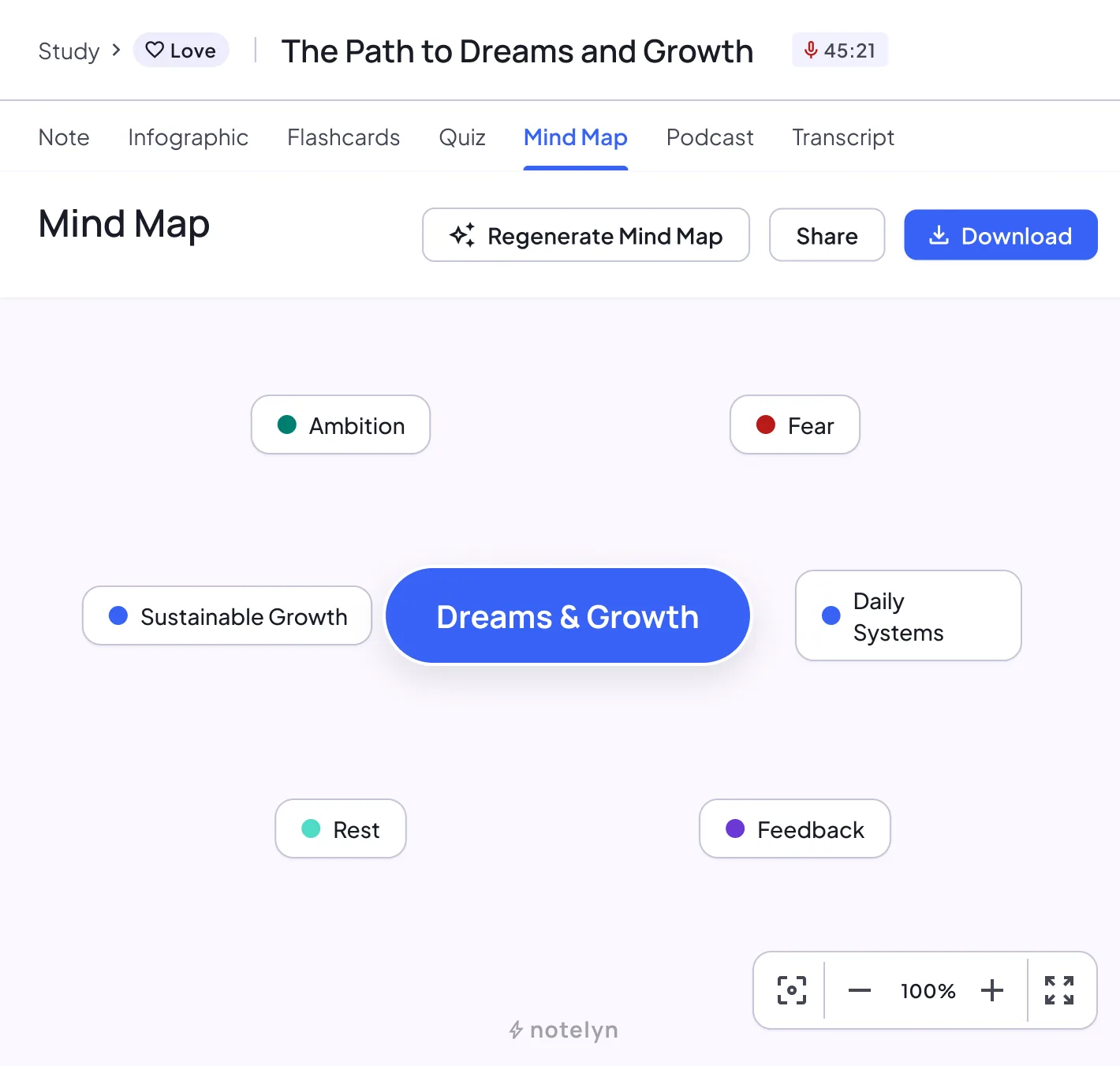
Mind map capabilities
- Auto concept discovery
- Zoom, pan and fit to screen
- Export image
Example: a lecture as a mind map
An example mind map for an introductory economics lecture, written out as text:
Example
Supply and demand
Demand
- Law of demand
- Shifts: income, tastes, related prices
Supply
- Law of supply
- Shifts: input costs, technology
Equilibrium
- Market-clearing price
- Shortage and surplus
Elasticity
- Price elasticity of demand
- Elastic vs inelastic goods
- Effect on total revenue
Explore and export
Move around
Zoom in and out, drag to pan, use Fit to screen to see everything and Reset zoom to start over.
Full-screen preview
Open a larger preview, then drag to pan and scroll or pinch to zoom.
Download a sharp PNG
Downloads are rendered at twice screen resolution, up to 4096 px on the longest side.
Share it
Share the image, or share the note link so others can open the map themselves.
When to use mind maps
- Plan a lecture or presentation
- Understand complex topics
- Create study overviews by chapter
How to create a mind map
- Generate it from your note
- Zoom and pan to explore each branch
- Download or share the image
Mind map tips
- Start from the top level, then zoom into branches
- Use Fit to screen to see the whole map
- Regenerate if the structure isn't right
Notes & limits
- Very large notes are summarized at top levels
- Nodes can't be edited by hand yet
Mind map or outline?
| Mind map | Summary outline | |
|---|---|---|
| Shows | How ideas connect, at a glance | The full explanation, in reading order |
| Best when | You need the big picture or a revision overview | You need details, examples and quotes |
| Where | Mind Map tab | Note tab |
Mind map FAQ
Can I export mind maps?
Yes. Export images to share or include in documents.
Can I edit nodes?
Not yet. You can regenerate the map at any time.
What format is the download?
A PNG image, rendered at high resolution so the text stays sharp.
Does it work on phones?
Yes. Pinch to zoom and drag to move around the map.
What happens with very long notes?
Top-level branches become more general so the map stays readable. Regenerate it if you want a different structure.