
Capture & Import
PDF Document Import
Smartly parse document structure for clean notes.
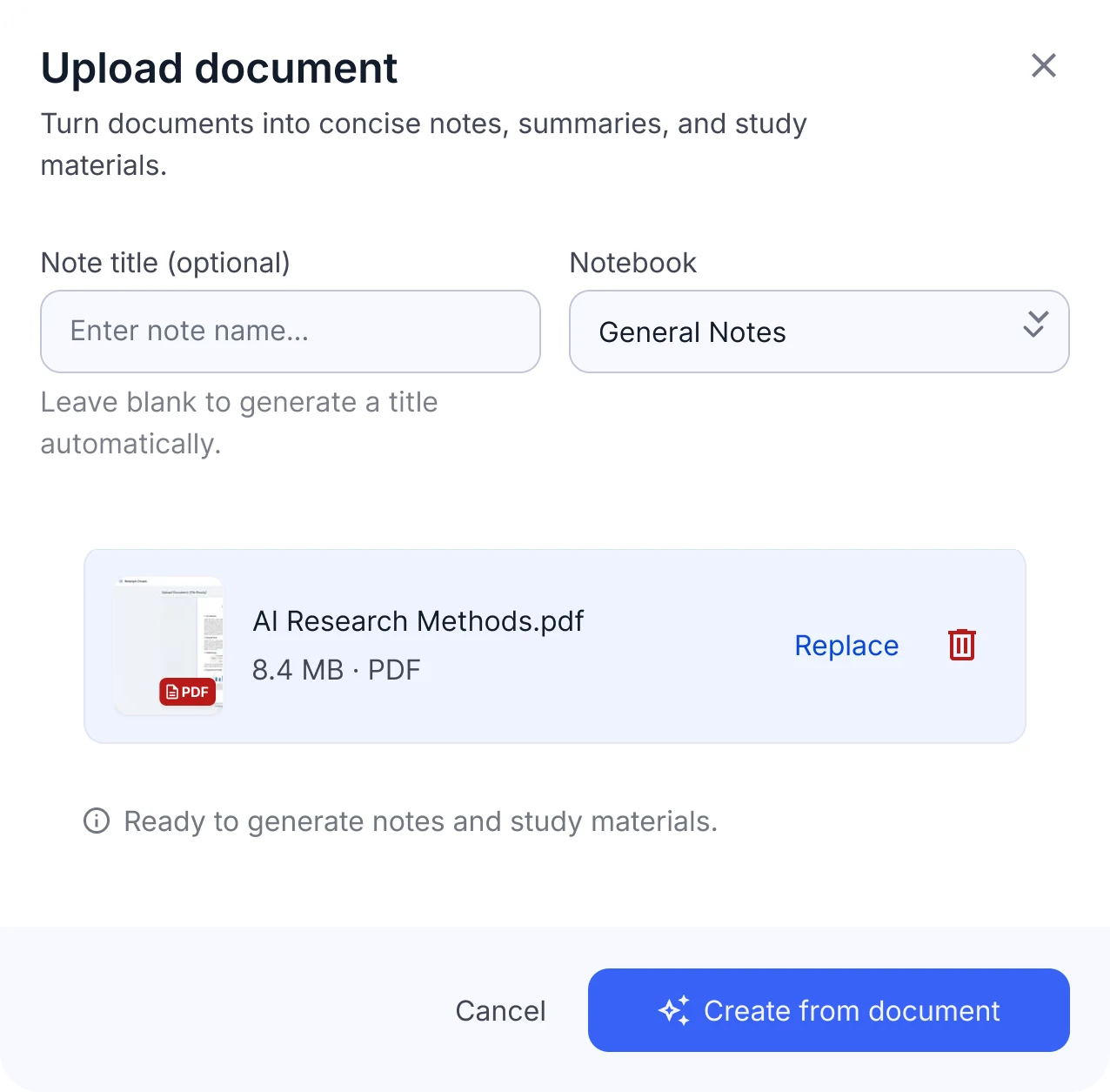
PDF parsing to structured notes
- Headings and sections
- DOC and DOCX supported too
- Open the original document anytime
Document import at a glance
- Formats
- PDF, DOC, DOCX
- File size
- Currently under 30 MB per file
- Documents per note
- One document per note; group documents in a notebook
- What's extracted
- Text, headings and structure; images aren't carried over
- Scanned PDFs
- Without a text layer, upload photos of the pages as images instead
- Not supported
- PowerPoint (PPTX) and TXT files. Export slides as PDF first
Limits shown are current values and may change.
When to import PDFs
Lecture slides and handouts
Get an outline of the slides, then flashcards for the key terms.
Reports and research papers
Pull out the main findings of a paper and quiz yourself on them.
Books and chapters
Study a long chapter with a summary, a mind map and a podcast.
Turn a PDF into flashcards, quizzes and more
One upload gives you a full set of revision material for a chapter, paper or handout.
AI note
An outline of the document with its key points and takeaways.
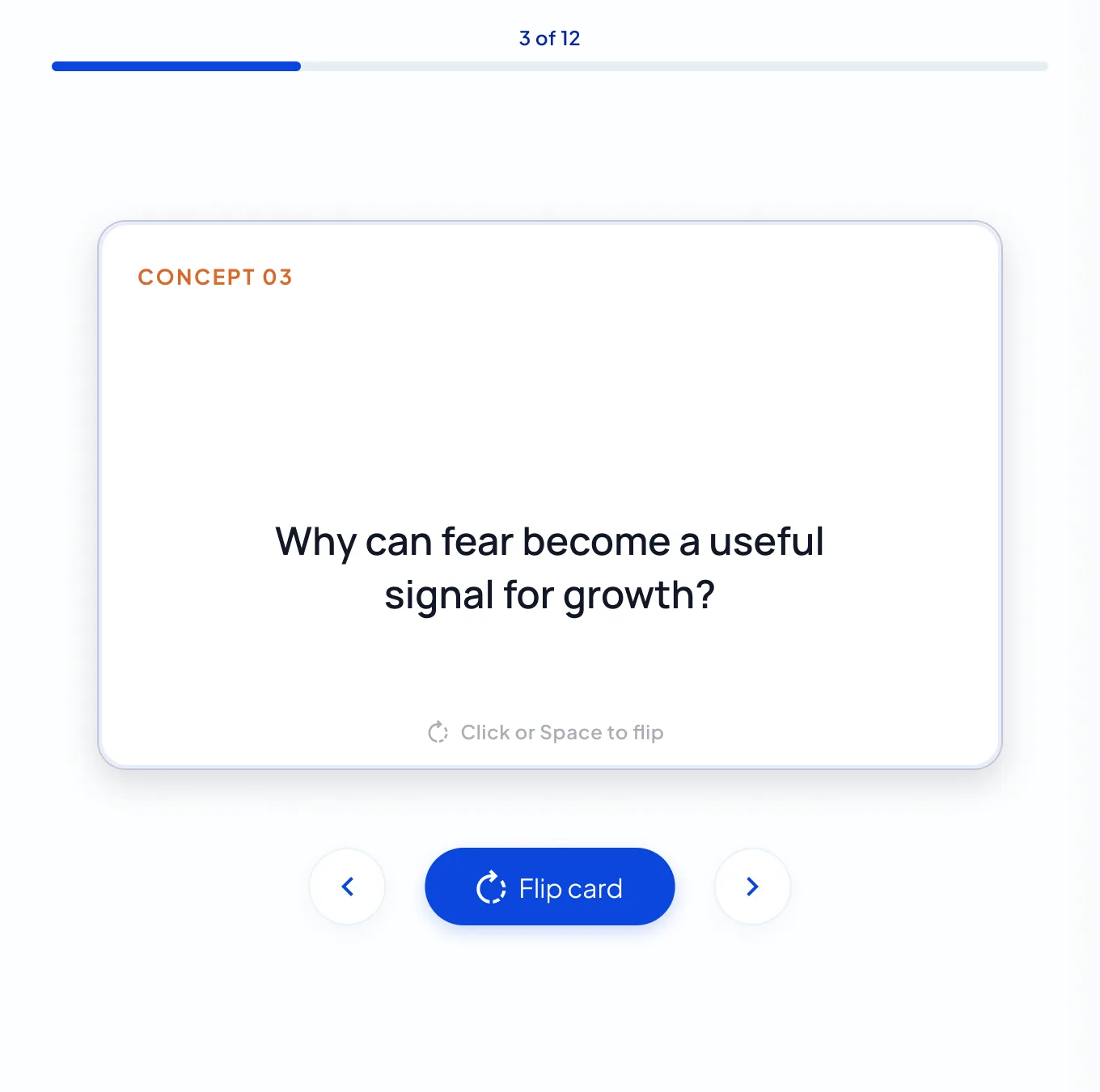
Flashcards
Cards for the key terms and concepts, ready to flip through.
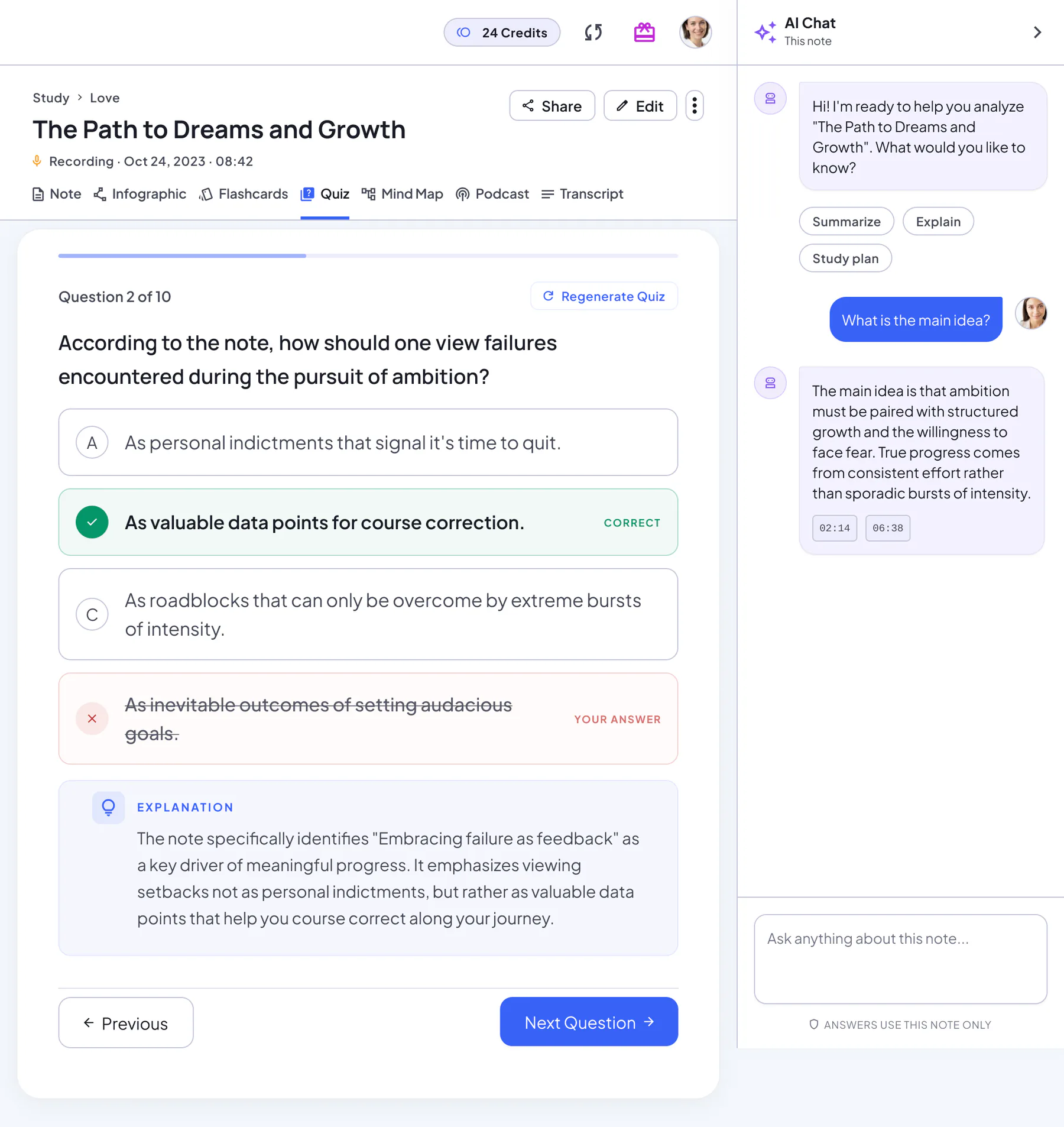
Quiz
Practice questions with an explanation for every answer.
Mind map
The chapter structure at a glance, ready to download.
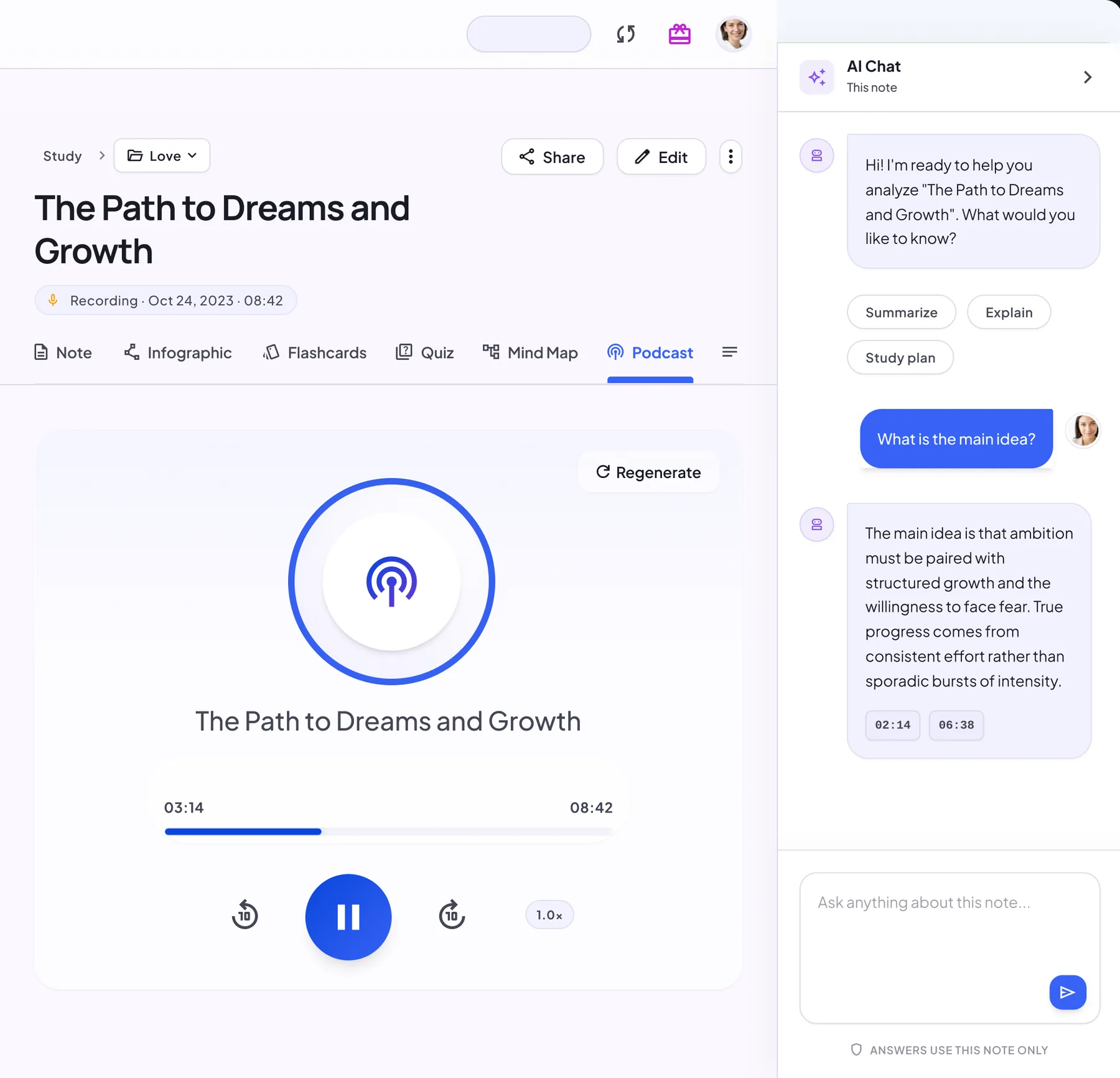
Podcast
A two-host audio overview for revision on the go.
How to import PDFs
Upload a PDF, DOC or DOCX file
Drag in a PDF, DOC or DOCX file under 30 MB, or browse for it.
Let AI parse the structure and key points
NoteLyn extracts the text and its structure. Add a title or leave it blank.
Review the outline and generate summaries
Create the note. While you study, open the original document anytime with View Source.
PDF import tips
- Prefer text‑based PDFs; for scans, use Image OCR
- Split huge documents into chapters for better focus
Notes & limits
- Scanned PDFs without a text layer may not import well; upload page photos as images instead
- Very large files can impact processing time
PDF import FAQ
Do images and tables import?
The text and its structure are extracted. Images aren't carried over, and complex tables or layouts may simplify.
Can I import multiple PDFs?
Each note takes one document. Upload them one at a time and group them in a notebook, then summarize the whole notebook.
What's the file size limit?
Currently each document must be under 30 MB. For a very large file, split it into chapters and upload them as separate notes in one notebook.
Can I import PowerPoint slides?
Not yet. Export the slides as a PDF first, then upload the PDF.
Does it work with scanned PDFs?
Only if the PDF has a text layer. For a scan without selectable text, upload photos of the pages with Image Upload instead, up to 9 per note.
Is PDF import free?
Yes, you can start for free in your browser or in the mobile app. Some features need a subscription: podcasts, for example, are a Pro feature and use credits based on their length, charged only if generation succeeds.
Related tools in Note Workspace
Learn more on the NoteLyn blog
Step-by-step guides that go deeper into this way of capturing notes.
- AI PDF Summarizer: Accuracy, Output, and When to Trust ItRead the guide
- PDF to Notes: How to Turn Any Document into Useful Study MaterialRead the guide
- PDF to Quiz: How to Generate Practice Questions from Any DocumentRead the guide
- PDF to Podcast AI: Convert Documents into Listenable Audio EpisodesRead the guide