
Capture & Import
Link Import
Import from web pages and videos.
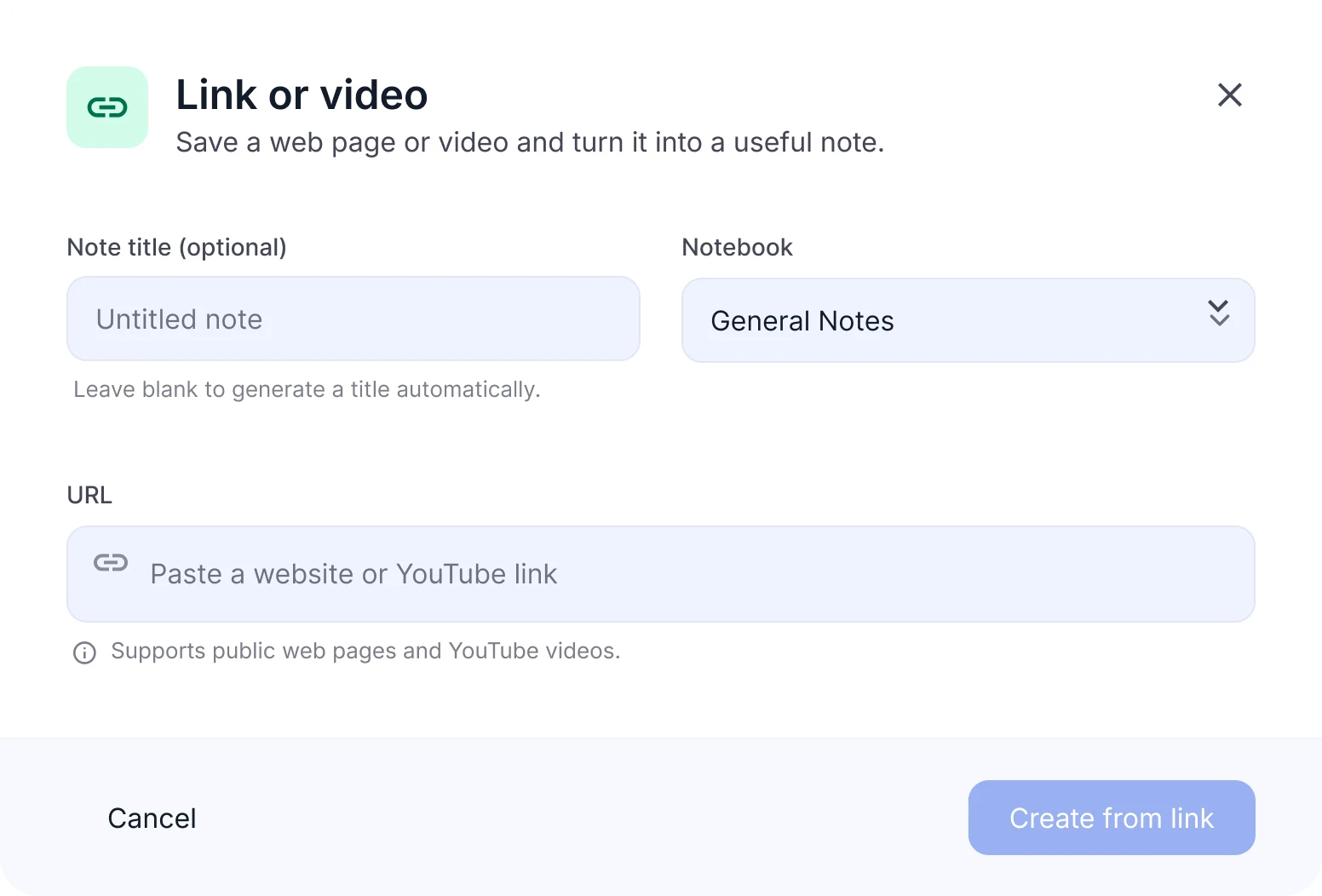
Import web pages & videos to notes
- YouTube videos and web pages
- Subtitle extraction
- Link back to the original page
What you can import
Works
- Public web pages and articles
- Documentation, blog posts and course pages
- YouTube videos with captions
Doesn't work
- Pages that need a sign-in or payment
- YouTube live streams and Shorts
- Videos without captions
- Videos from other platforms (only YouTube is supported)
- Sites that block automated access
Video without captions? If you have the audio file, upload it instead.Audio File Upload
When to import links
Video lectures and talks
Get notes and flashcards from a recorded lecture or talk without rewatching it.
Blog posts and documentation
Turn long documentation into a structured note you can quiz yourself on.
Course pages and references
Keep course pages and references in one notebook next to your other notes.
Turn a YouTube lecture into a study set
Course videos are long. Paste the link once and study the parts that matter.
Paste the link
Choose YouTube, paste the video link, and NoteLyn reads its captions.
Read and review
Get the full caption text in Transcript, with a link back to the video, plus an AI note with the key points.
Test yourself
Generate flashcards and a quiz from the lecture to check what you remember.
Ask questions
Ask AI Chat to explain or expand on anything covered in the video.
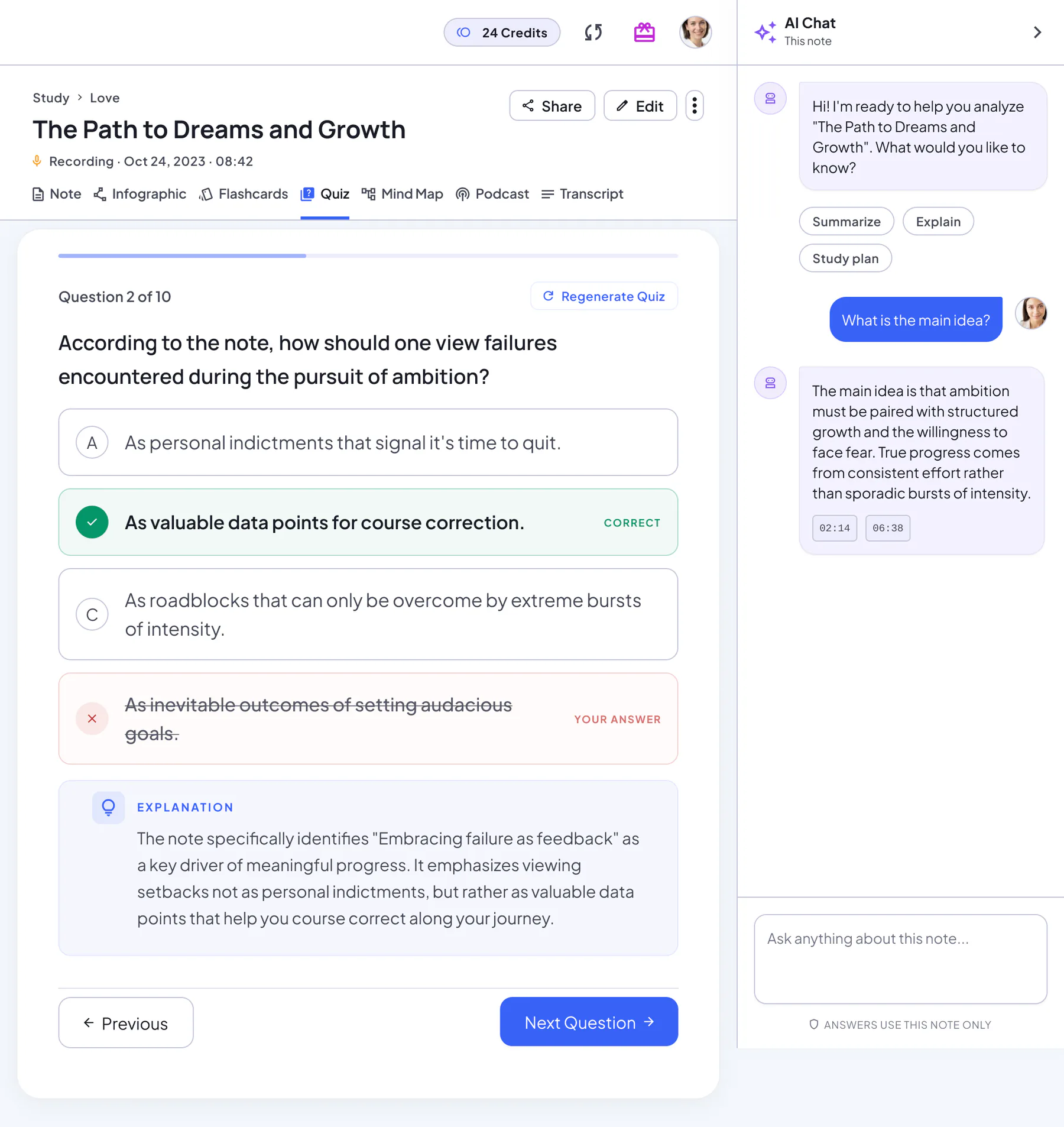
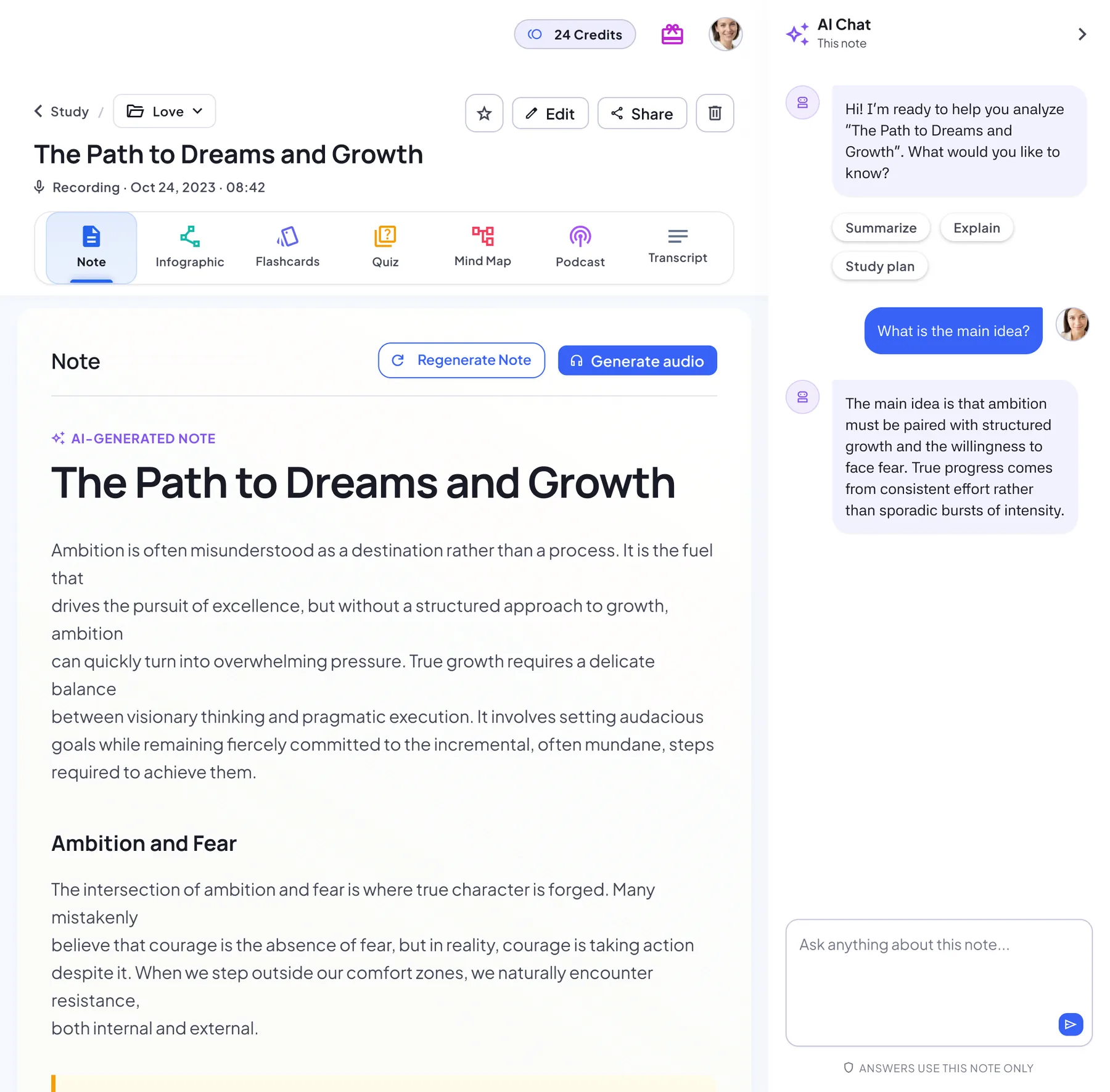
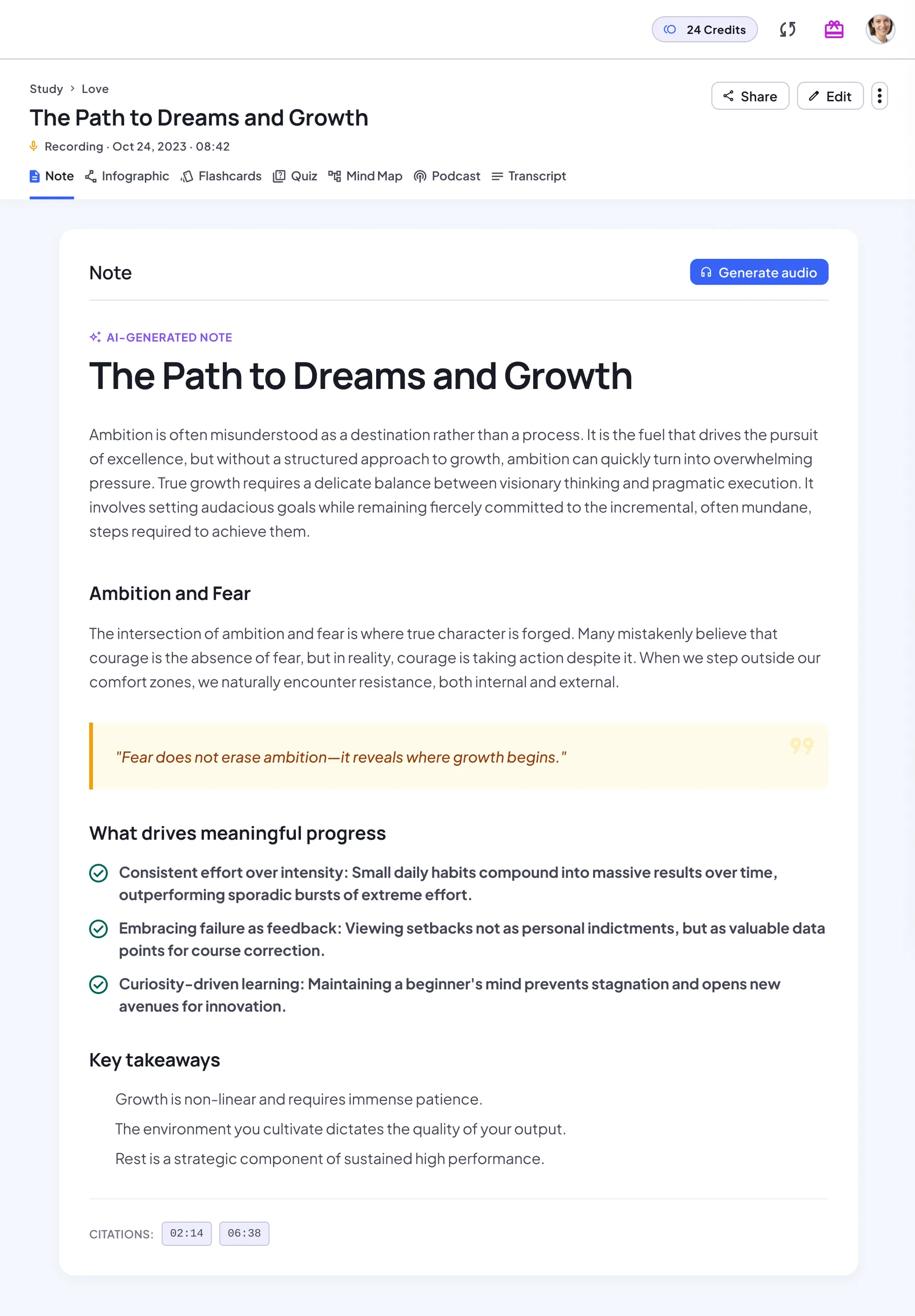
What you get from one link
The Transcript tab keeps the extracted text with a link back to the original page or video.
AI note
A structured note with headings, key points and key takeaways. Regenerate it anytime.
Transcript
The original text next to its source: the audio player, the document, the web link or your images in order.
Flashcards
A deck built from the key concepts. Flip through it card by card, then restart.
Quiz
Multiple-choice questions with an explanation for every answer, a score and a full review.
Mind map
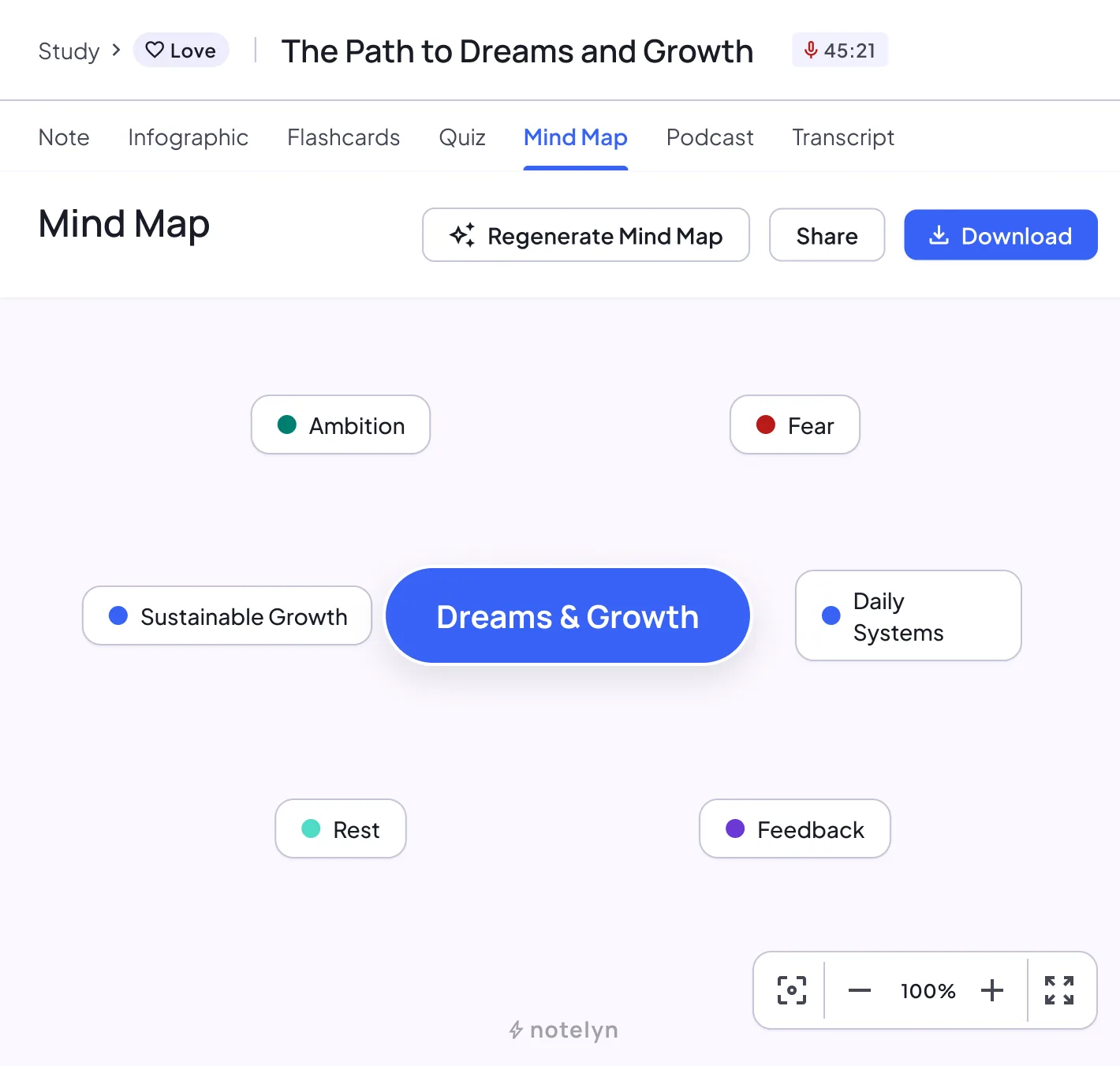
The structure of the note as a map you can zoom, pan and download.
Infographic
A one-page visual summary poster you can download or share.
Podcast
A two-host audio overview of the note, for revision on the go.
AI Chat
Ask follow-up questions and get answers based on your note.
How to import links
Paste a web or video link
Choose Web or YouTube and paste the link. The page must be public, and a YouTube video needs captions.
Fetch content and subtitles when available
NoteLyn reads the main text of the page or the video's captions. Add a title or leave it blank.
Generate notes, flashcards and quizzes
Create the note, then generate flashcards, a quiz, a mind map or a podcast from it.
Link import tips
- Prefer videos with subtitles for best accuracy
- Use public pages; sign‑in or paywalled pages can't be read
Notes & limits
- Paywalled pages may be inaccessible
- Some sites block automated fetching
Link import FAQ
Which video platforms are supported?
YouTube videos with captions are supported. Live streams, Shorts and videos without captions can't be processed.
Can I import long articles?
Yes, as long as the page is publicly accessible. NoteLyn turns the main text into a structured note.
Can I import a YouTube video without captions?
No. Link Import reads a video's captions, so videos without captions can't be processed. If you have the audio file, upload it with Audio File Upload instead.
Does it work with paywalled articles?
No. The page must be publicly accessible. Pages that need a sign-in or payment can't be read.
Can I import TikTok, Bilibili or other video sites?
Not today. For video, only YouTube videos with captions are supported.
Is link import free?
Yes, you can start for free in your browser or in the mobile app. Some features need a subscription: podcasts, for example, are a Pro feature and use credits based on their length, charged only if generation succeeds.
Related tools in Note Workspace
Learn more on the NoteLyn blog
Step-by-step guides that go deeper into this way of capturing notes.