
Note Workspace
Minutes
Clear, shareable minutes in minutes.
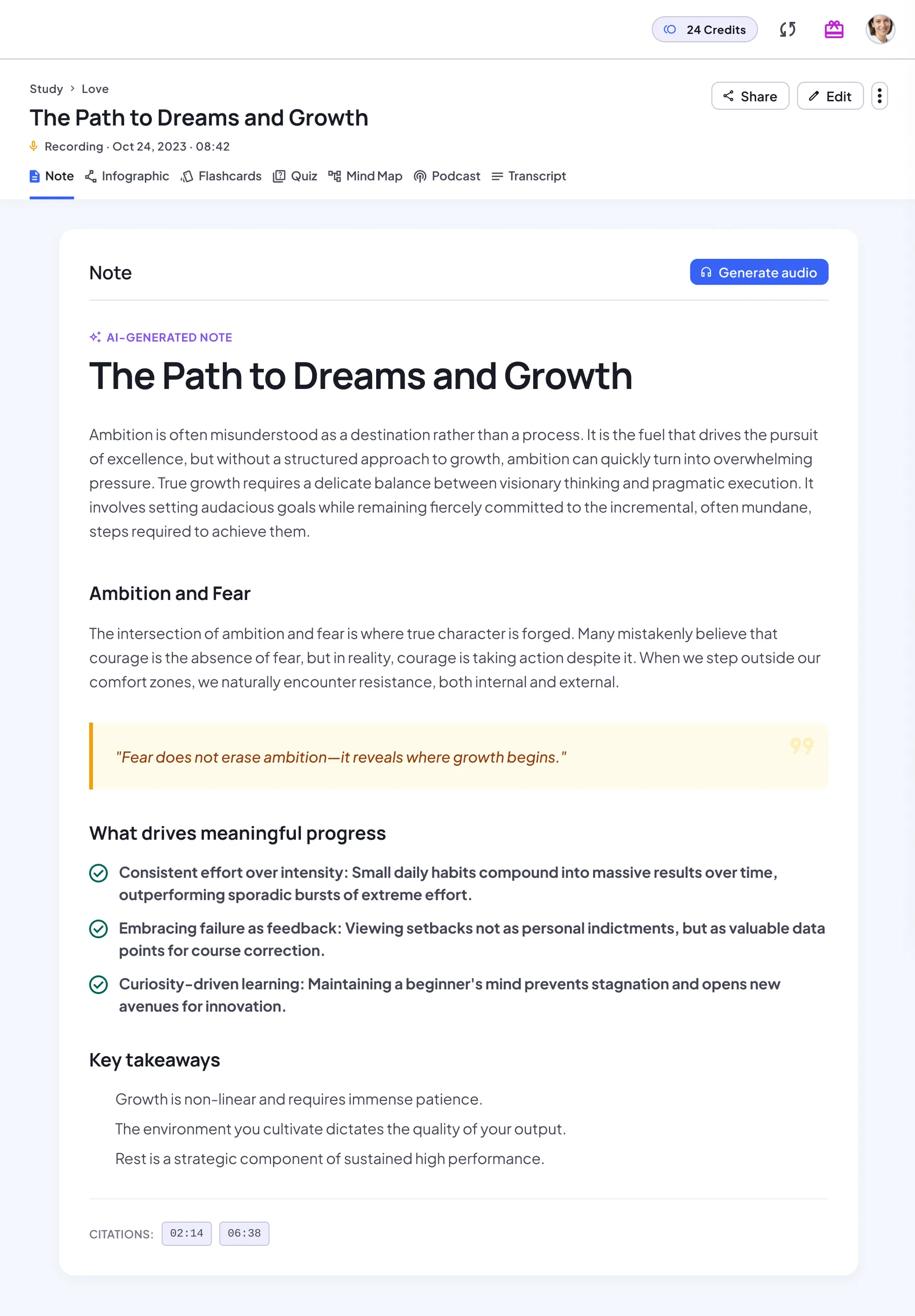
Minutes capabilities
- AI note with headings, key points and takeaways
- Full transcript next to the minutes
- Share with teammates by link
From meeting recording to shareable minutes
NoteLyn doesn’t use a fixed minutes template. You get a well-structured AI note and shape it into minutes:
- Record the meeting live, or upload the audio afterwards (MP3, WAV, AAC, OGG or M4A)
- Get an AI note with headings, key points, highlighted quotes and key takeaways, with the full transcript one tab away
- Open Edit to add Decisions and Next steps sections, and turn the next steps into a to-do list
- Share the note link with your team; people who open it don’t need an account
Sample minutes
What edited minutes from a 30-minute project check-in can look like:
Example
Key points
- The beta launch is on track for the end of the month
- Two onboarding bugs are still open
- Support wants a short FAQ before launch
Decisions
- Launch to existing customers first
- Move the pricing page update to the next release
Next steps
- Maya: fix the onboarding bugs by Friday
- Leo: draft the launch FAQ
- Sam: book the launch review
When to generate minutes
- Team meetings and standups
- Client calls and interviews
- Project reviews
How to go from record to minutes
- Record or upload meeting audio
- Get an AI note of the key points
- Share with teammates by link
Minutes tips
- Say owners and due dates out loud so they're captured
- Capture decisions explicitly
- Keep each project's minutes in one notebook
Notes & limits
- Speakers aren't labeled separately
- Complex discussions may need manual edits
Next steps as a checklist
There’s no separate task tracker. Next steps live in the note as a to-do list:
- Add a to-do list in the editor, one task per line
- Write the owner and the due date in the task itself
- Tick items off as they’re done; your changes are saved with the note
- Share the note so everyone works from the same list
Minutes FAQ
Can I export minutes?
You can share a link with teammates; exporting as a file isn't available yet.
Can I customize sections?
Yes. Edit the minutes in the rich text editor, or regenerate the note.
Does it label speakers?
No. The transcript isn’t split by speaker, so add names in the minutes where they matter.
Can I get a minutes template?
There’s no fixed template. Edit the note into the structure your team uses, or start from a template in our meeting minutes guides.