
Use Cases
Meetings
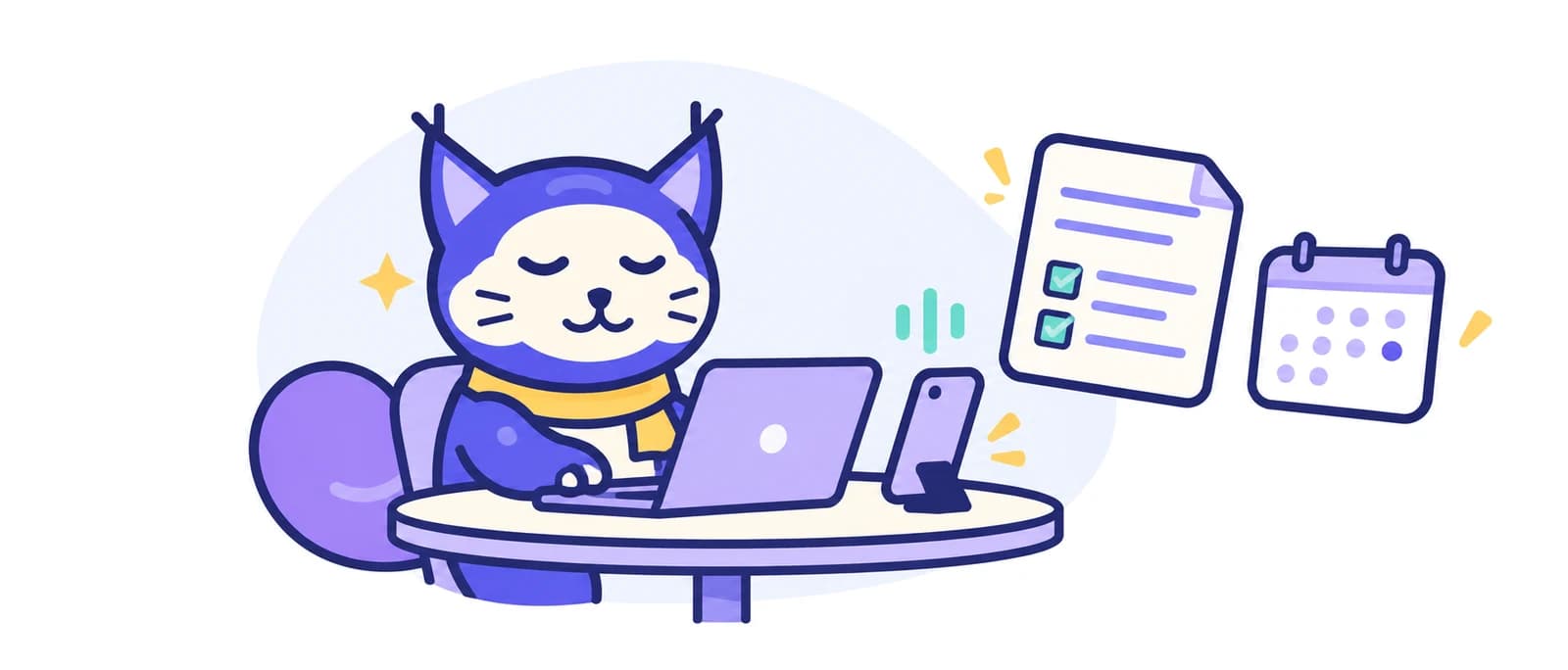
From recording to minutes in minutes.
Key benefits
- High‑quality recording with a full transcript
- Automatic summary of key points and takeaways
- Original transcript one tab away
Typical flow
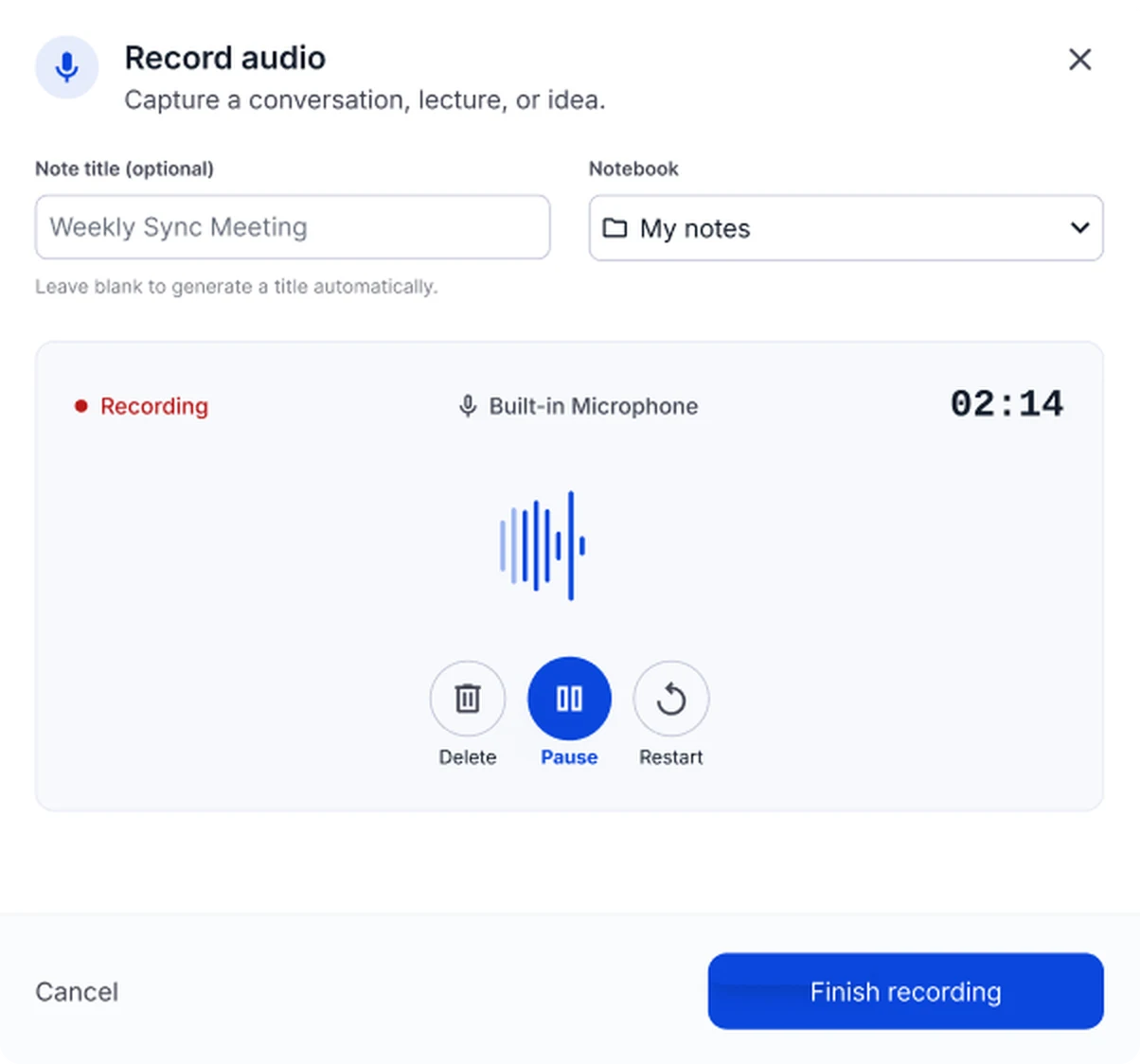
- Start recording and let NoteLyn transcribe
- Get the AI summary with decisions and tasks
- Share minutes or turn items into flashcards for review
NoteLyn turns long, multi‑speaker meetings into clear minutes with the key points and takeaways. The original transcript is always one click away, so you can check exactly what was said.
Beyond minutes, you can list next steps as a to‑do list in the editor, ask AI Chat for a short recap for stakeholders and keep related notes in one notebook.
For recurring ceremonies (standups, reviews, retros), re‑use the same approach: start recording, generate minutes, add next steps and share the link. Keep your team in sync without formatting overhead.
Use a lightweight agenda template (goals → updates → risks → decisions) and time‑box each section. Saying decisions out loud makes sure they land in the transcript and the minutes.
For interviews and client calls, keep a notebook per account or topic and reuse summaries in follow‑up emails. The full transcript helps you quote people accurately.
Works with multiple languages and accents; audio quality and phone placement significantly impact transcript accuracy.
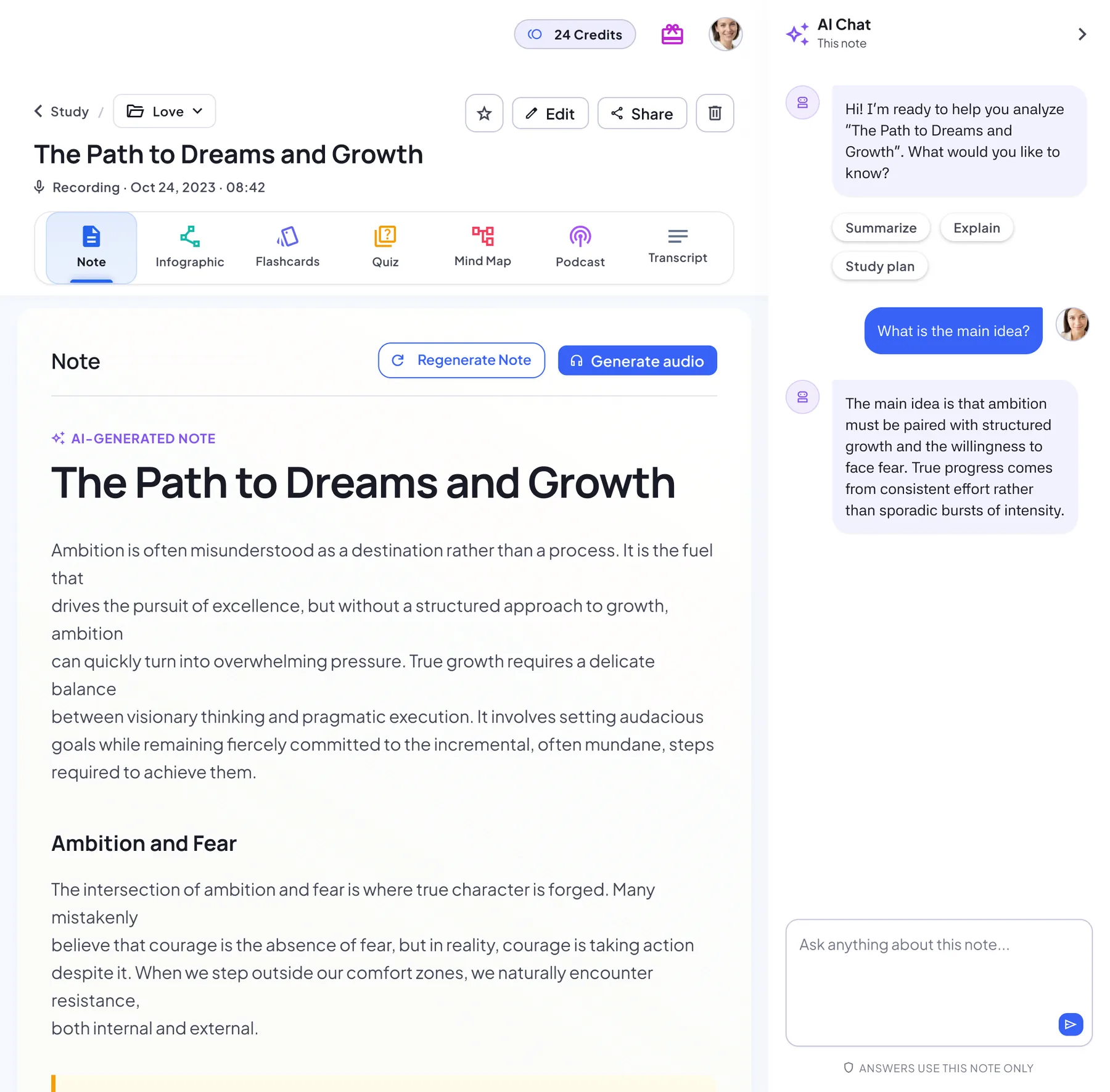
What a NoteLyn meeting note looks like
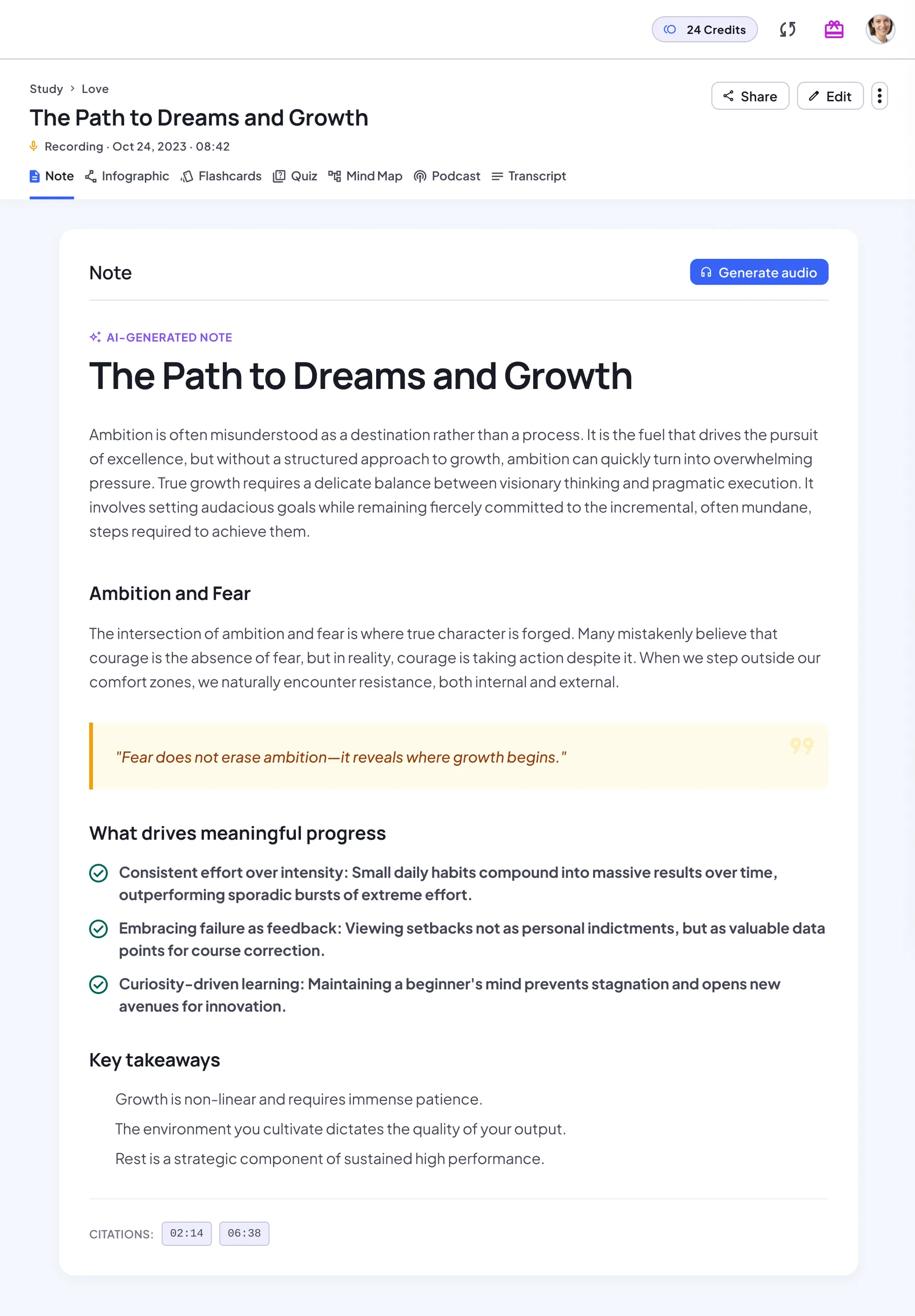
A sample note from a fictional weekly product sync. The AI wrote the summary and kept the transcript; the decisions and next steps were added in the editor.
Weekly product sync: mobile app release 2.4
Sample note · fictional team · 30-minute recording · edited after generation
Summary
The team reviewed progress on release 2.4 of the mobile app, which brings a new checkout flow and saved payment methods. Checkout is feature-complete on iOS; Android is about two days behind while a payment SDK update is finished. Beta feedback is positive overall, but testers find the address form too long on a small screen.
Decisions
- Keep the planned release date for 2.4.
- Move dark mode for the receipt screen to release 2.5.
- Shorten the address form to five fields, with postcode lookup.
Next steps
- Priya to share the shorter address form designs by Wednesday
- Marco to finish the payment SDK update on Android
- Lena to start the regression pass once the Android build is ready
- Sam to draft the release notes and the in-app announcement
- Everyone to log remaining beta issues in the tracker before Friday
From the transcript
- Okay, let's start with where we are on 2.4. Checkout is done on iOS and it's in internal testing now.
- On Android we're still finishing the payment SDK update, so we're about two days behind.
- Do we still make the date if Android slips another day?
Shared with a read-only link: no account needed to open it.
See the full sample meetingHow to summarize a meeting with NoteLyn
Five steps from the first minute of the meeting to minutes your team can read.
In the room: start recording
Open NoteLyn on your phone or in the browser and press Record as the meeting starts. Put the device in the middle of the table so every voice is picked up, and let people know you're recording.
Online call: record alongside or upload afterwards
NoteLyn doesn't join Zoom, Google Meet or Teams as a bot. Record the call on a second device, or upload the meeting recording afterwards in MP3, WAV, M4A, AAC or OGG.
Review the minutes and edit anything
Read the summary and key points. If a name or number is wrong, check the Transcript tab and correct it in the rich text editor, where you can also add the decisions.
Turn next steps into a to-do list
List the follow-ups as to-dos in the editor and write who is doing what in the text, so the note doubles as a checklist for the next meeting.
Share the link or ask for a recap
Send the read-only link to your team, or ask AI Chat for a short recap for stakeholders who weren't in the room.
Is NoteLyn the right tool for your meetings?
What it does well, and what it isn't built for.
A good fit for
- In-person meetings and workshops
- Client calls and user interviews you record or upload
- Recurring standups, reviews and retros
- Meetings held in a language other than English
- Anyone who wants minutes, the transcript and study tools in one place
Not built for
- A bot that joins Zoom, Meet or Teams calls automatically
- Labeling who said what (speaker labels)
- Syncing tasks to project management tools
If you need those, these comparisons cover tools built around them:
When to use
- Team meetings and standups
- Client calls and interviews
- Project reviews and retrospectives
- Hiring interviews and debriefs
Tips
- Place the phone centrally for better pickup
- Capture decisions explicitly with owners and dates
- Keep actions small and trackable
- Share minutes quickly to avoid context loss
Templates & examples
Reviews and privacy
What people say about NoteLyn, and how your recordings are handled.
Rated 4.8 out of 5App Store · Google Play
“everything I need in a note taking app!!”
“Really great app to make notes, just don't over use it.”
Security & Privacy
- Notes are private by default
- Delete account = delete all data
- We don't train third‑party models with your data
FAQ
Can I export or share minutes?
You can share a view link with teammates; exporting as a file isn't available yet.
Do you support speaker diarization?
Not yet. Everyone in the recording is transcribed, but speakers aren't labeled separately.
Can I customize minute sections?
Yes. Edit the minutes directly in the rich text editor, or regenerate the whole note.
Do actions sync to external PM tools?
No. You can keep next steps as a to‑do list in the note and share it by link.
Can I summarize a meeting recording I already have?
Yes. Upload the file in MP3, WAV, M4A, AAC or OGG and NoteLyn creates the summary, key points and full transcript, the same as for a live recording.
Does it work with Zoom, Google Meet or Teams?
There's no meeting bot. Record the call on your phone next to your computer, or save the recording from your meeting tool and upload it afterwards. If you wear headphones, the other side won't be picked up, so uploading the recording works best.
Which languages can it transcribe?
Transcription works with many languages and accents. Clear audio and a well-placed device make the biggest difference to accuracy.
Is NoteLyn free for meetings?
You can start for free: new accounts include 2 free AI notes, with no card needed. Pro removes the note limit if you record meetings often, and it comes with a 7-day free trial.
Meeting templates & guides
Formats and how-tos for minutes, agendas and recording meetings.
- Meeting Minutes Format: The Standard Field Order and Structure
- OneNote Meeting Notes Template: Copy-Ready Format for Teams
- 121 Meeting Agenda Template: Structure, Copy-Ready Format, and Follow-Up Guide
- Board Meeting Minutes Template: A Reusable Format for Every Session
- AI Meeting Minutes Generator: How to Automate Your Post-Meeting Documentation
- Record a Meeting App: How to Capture, Transcribe, and Turn Talk Into Notes