
Note Workspace
Flashcards
Flip through cards to strengthen memory.
Flashcard capabilities
- Auto‑generated Q&A from notes
- Flip with a click or the Space bar
- Progress counter and restart
Sample deck
An example of three cards from a 40-minute biology lecture:
Example
Concept 01
What is the main job of mitochondria?
Answer
To produce ATP, the cell’s usable energy, through cellular respiration.
Concept 02
Where does glycolysis take place?
Answer
In the cytoplasm, before its products move into the mitochondria.
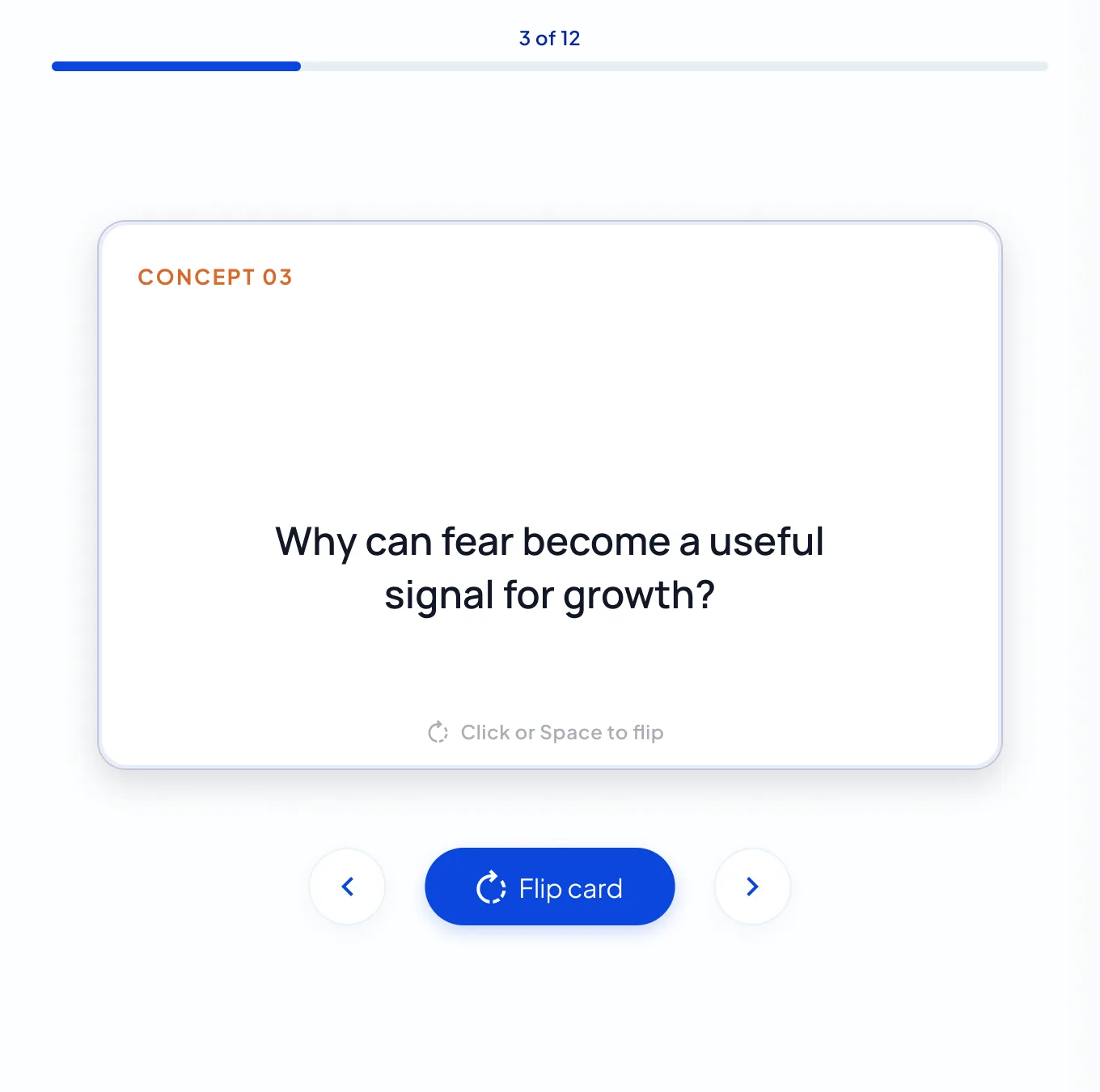
Concept 03
Why is the inner mitochondrial membrane folded?
Answer
The folds, called cristae, add surface area for the reactions that make ATP.
How studying a deck works
Concept by concept
Each card is numbered (Concept 01, 02 and so on) and a counter such as 3 of 12 shows your place.
Flip to check yourself
Click the card or press the Space bar to flip it. On a phone, tap to flip.
Restart, keep the deck
On the last card the button becomes Restart study, which takes you back to card 1 with the same deck.
When to use flashcards
- Definitions, concepts and formulas
- Language vocabulary
- Key facts for exams
How to review with flashcards
- Generate the deck from your note
- Flip each card and test your recall
- Restart the deck to review again
Flashcard tips
- Say each answer aloud before you flip
- Keep one topic per note for focused decks
- Pair flashcards with a quiz
Notes & limits
- Auto‑generated quality depends on source notes
- Regenerate the deck if cards miss the point
NoteLyn flashcards at a glance
NoteLyn is built to turn a lecture or document into a first deck quickly. It doesn’t schedule reviews for you, so you decide when to go through the deck again.
| NoteLyn | |
|---|---|
| Making cards | Generated from your note |
| Editing single cards | Not available; regenerate the deck instead |
| Spaced repetition | Not built in; restart the deck whenever you want to review |
| Where cards come from | Recordings, PDFs, images, links or text |
| Good fit for | Turning a lecture or document into a first deck |
A simple study loop
- Flip through the deck once
- Take the quiz generated from the same note
- Ask AI Chat about anything you missed
- Restart the deck and go again
Flashcards FAQ
Can I edit flashcards?
Not card by card. You can regenerate the whole deck at any time.
How is scheduling decided?
There's no automatic schedule. Go through the deck whenever you like and restart it to review again.
Can I study on my phone?
Yes. Tap a card to flip it in your phone’s browser, or use the NoteLyn app for iOS and Android.
Can I share a deck?
Share the note with a link. People who open it can flip through the flashcards you’ve generated without creating an account.
What if the cards miss the point?
Regenerate the deck. It replaces the current cards with a new set from the same note; your original source stays unchanged.